
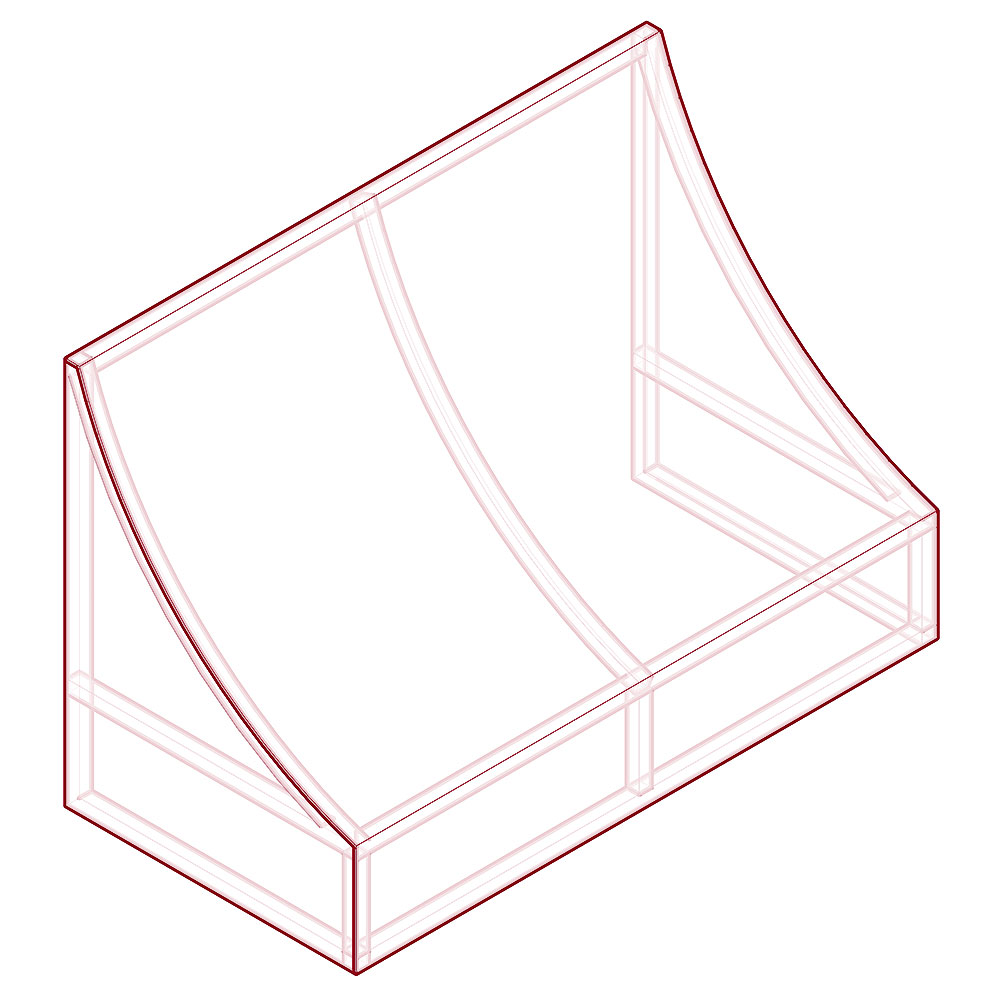
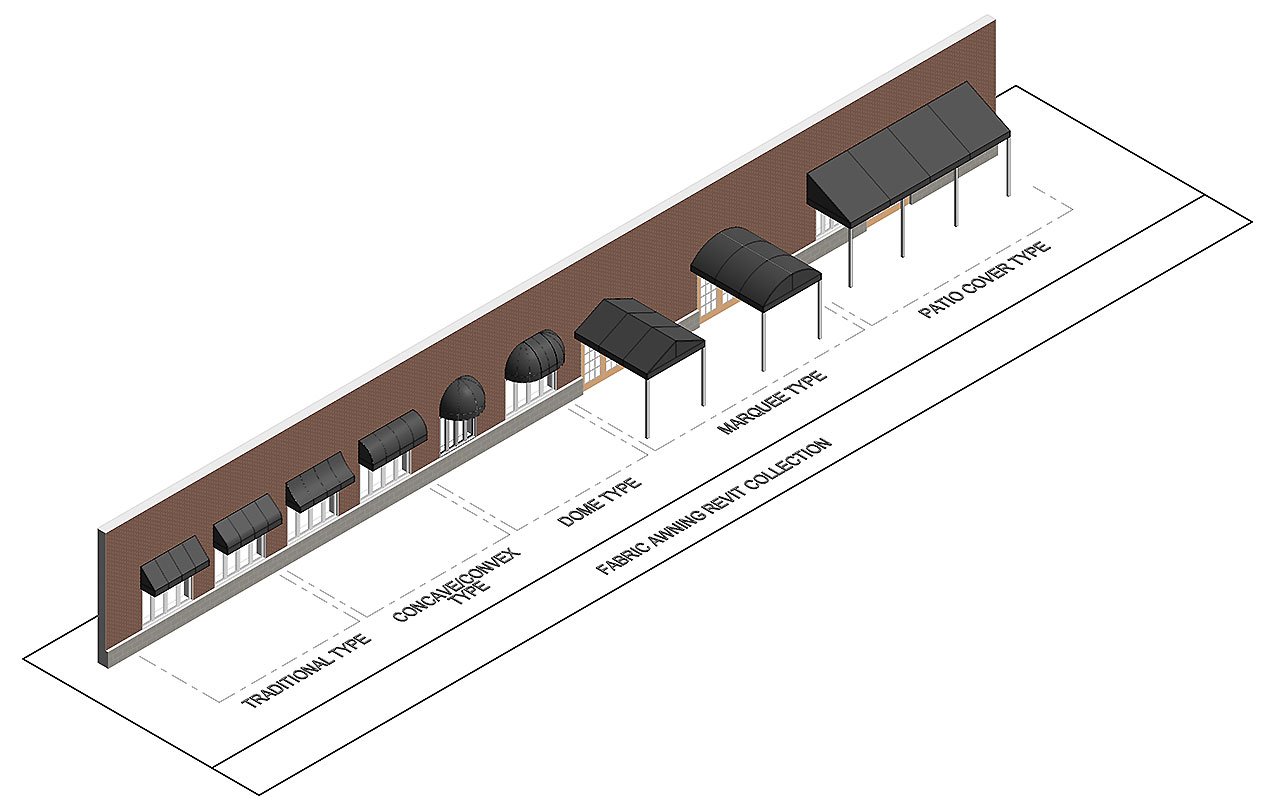
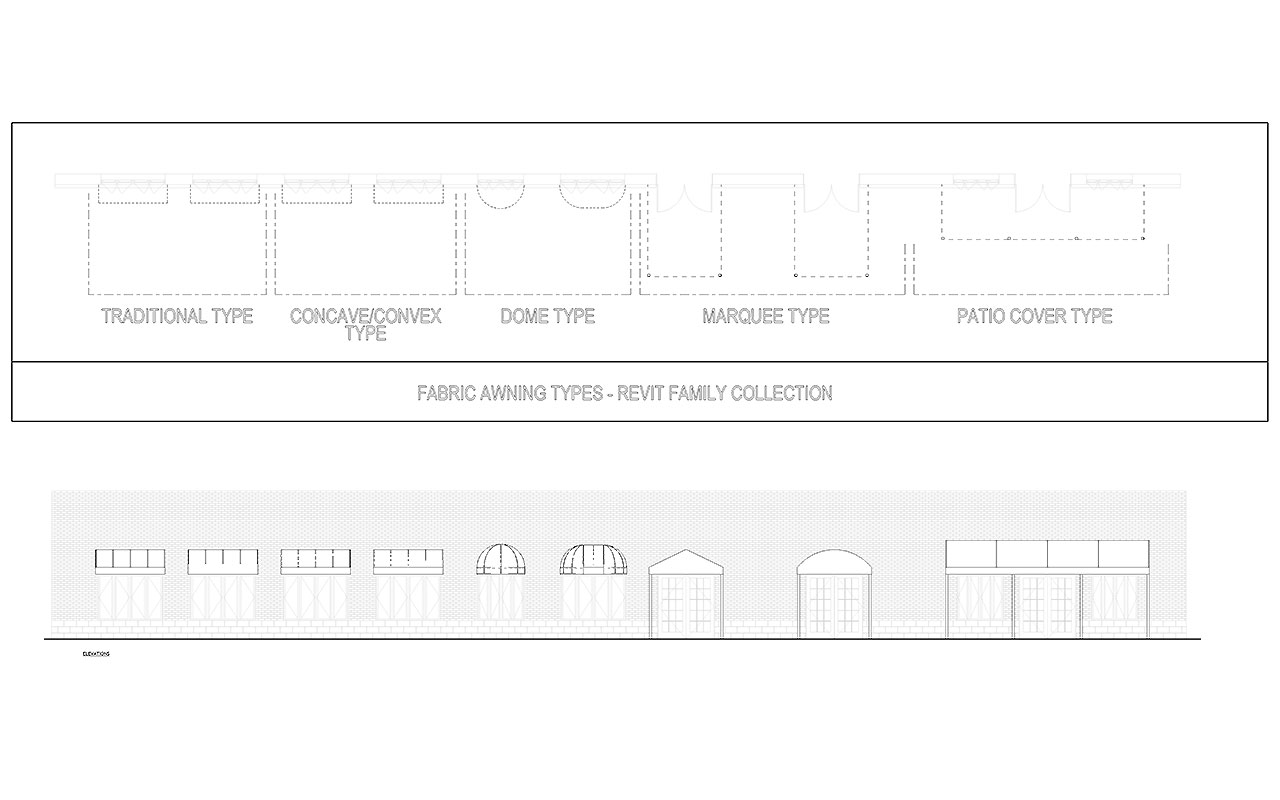

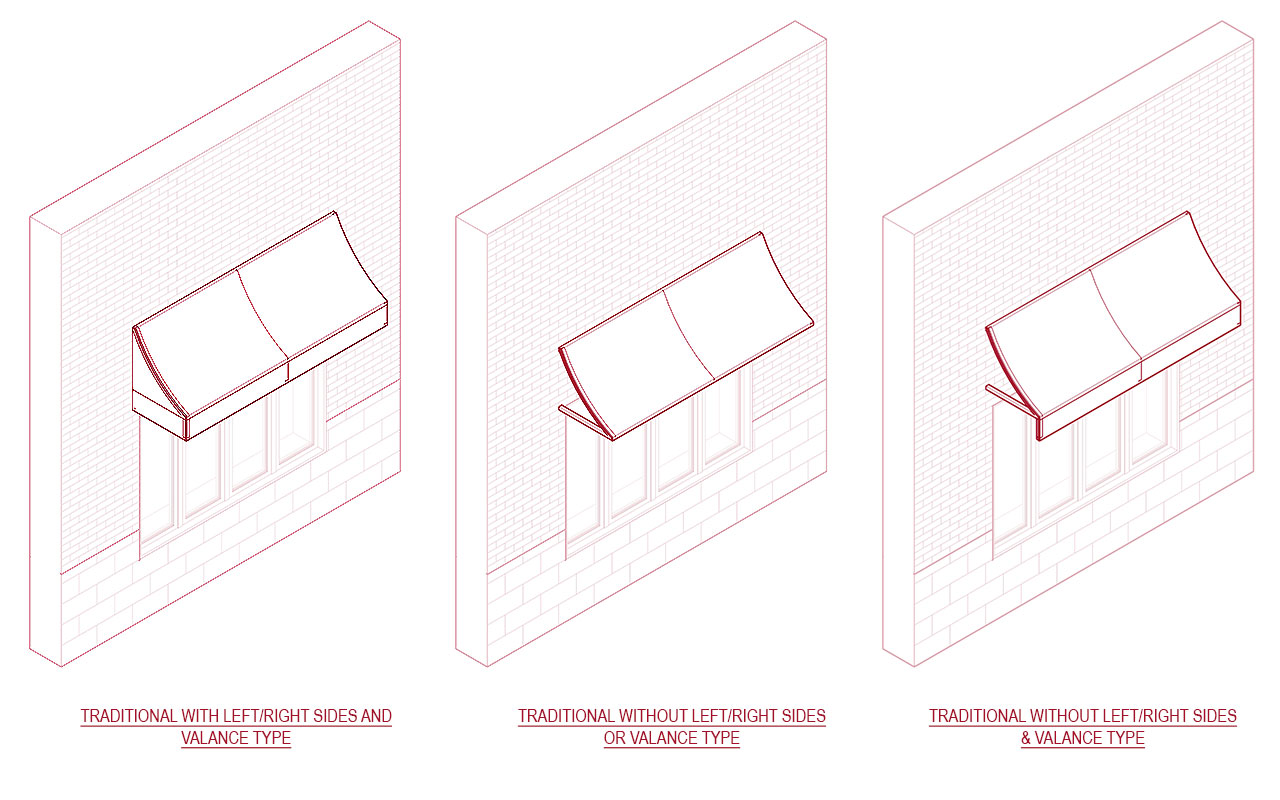

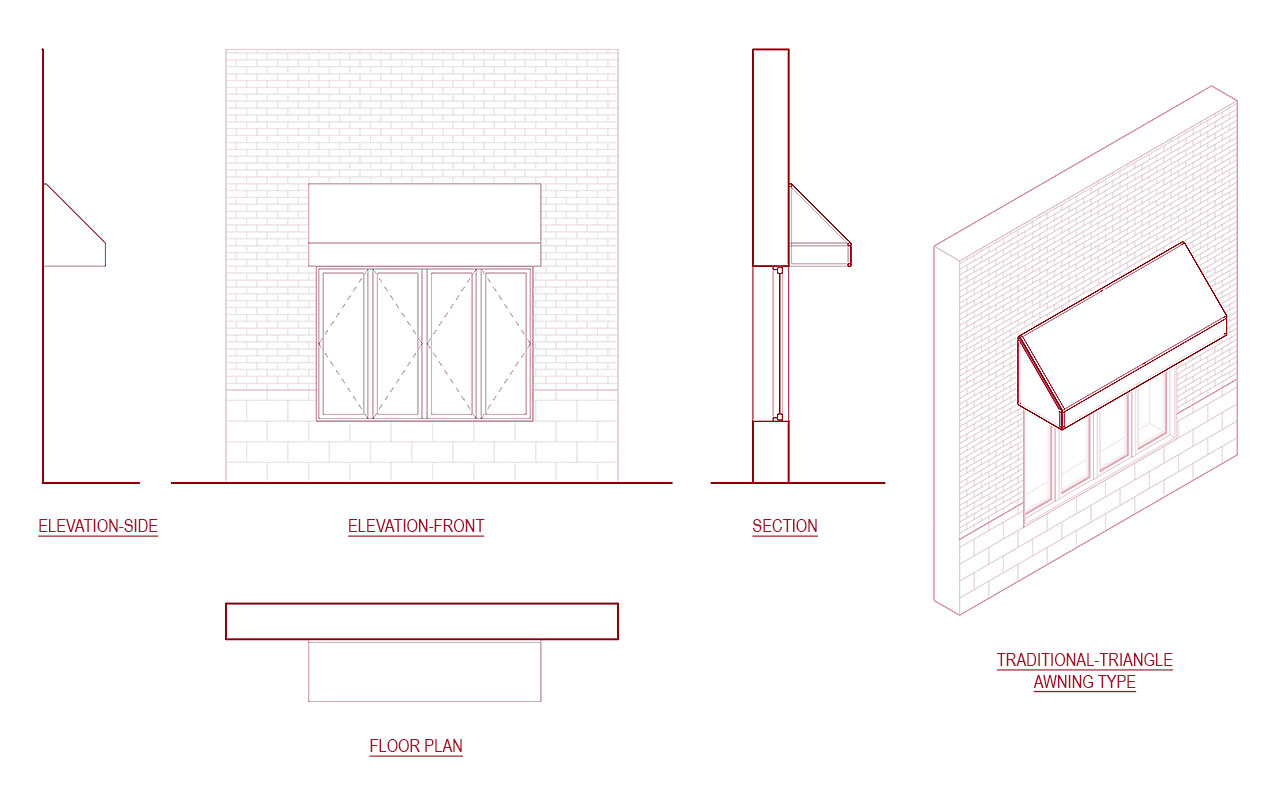
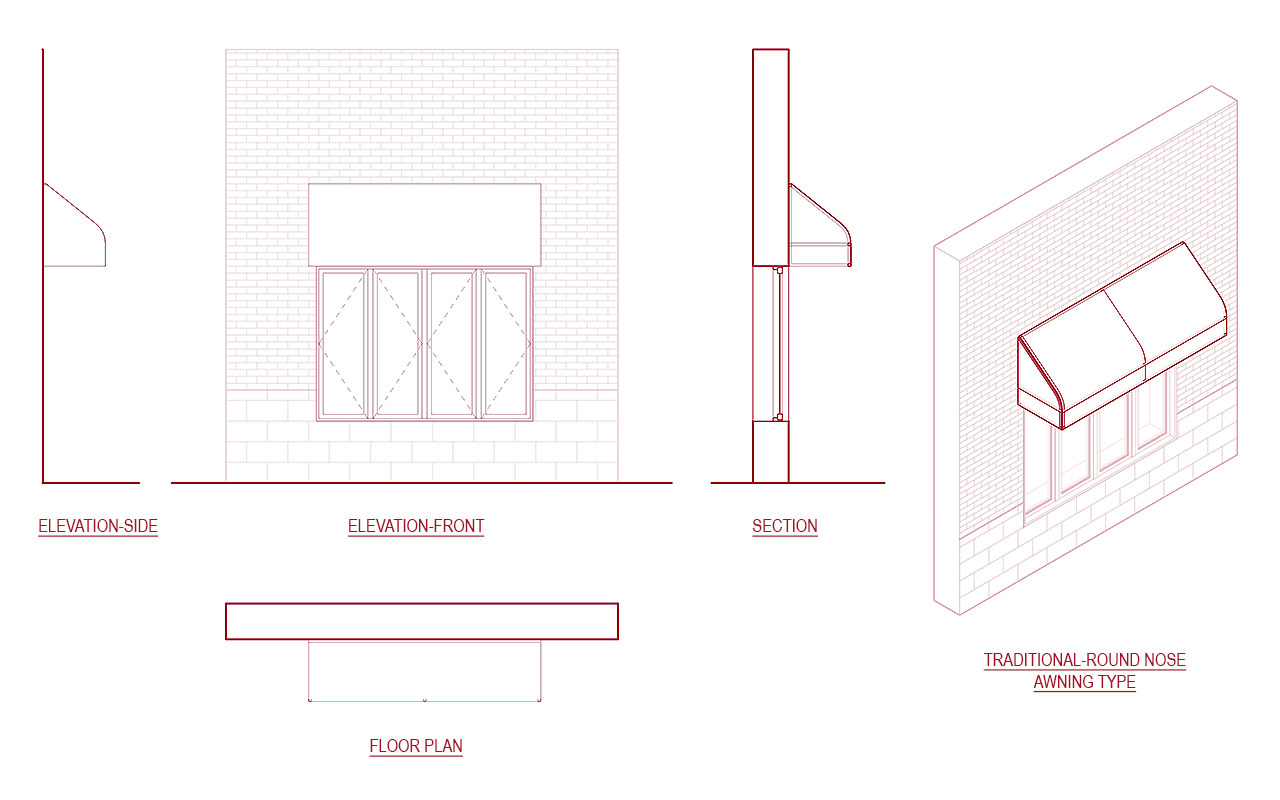

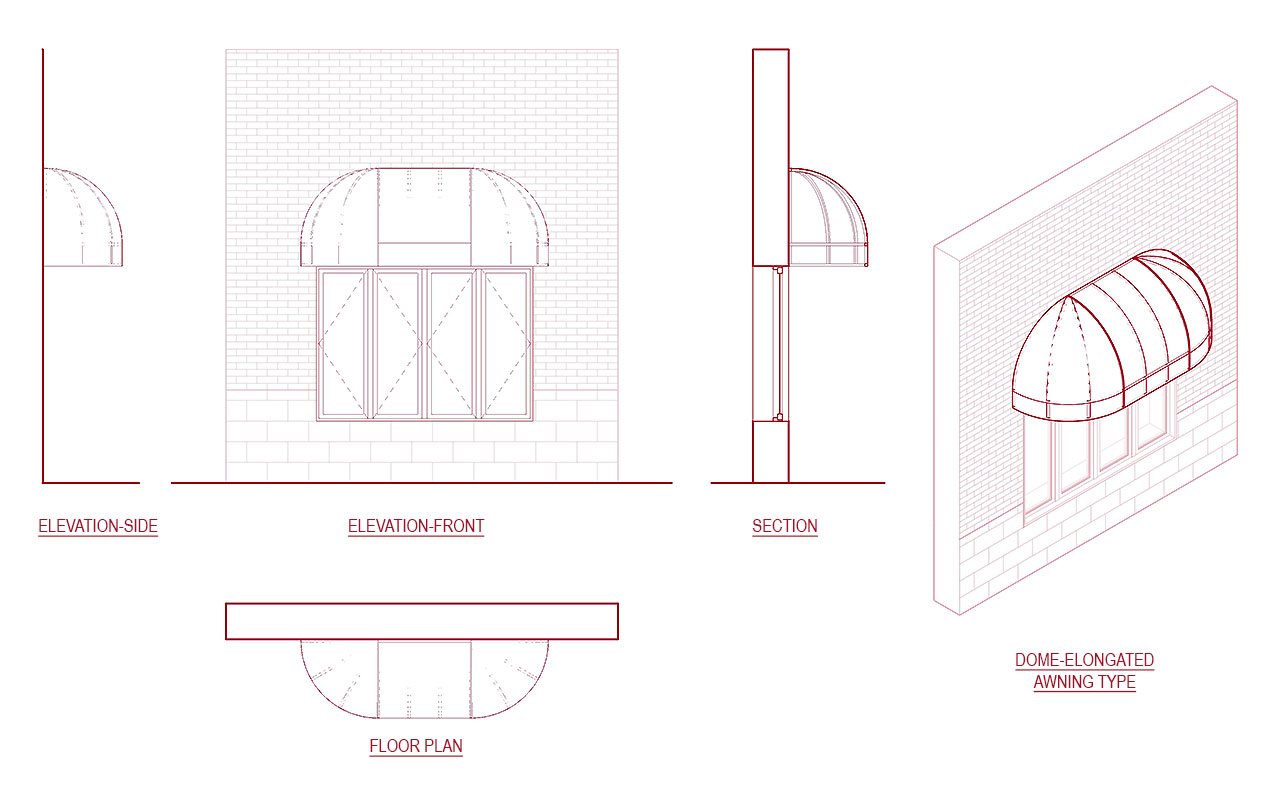
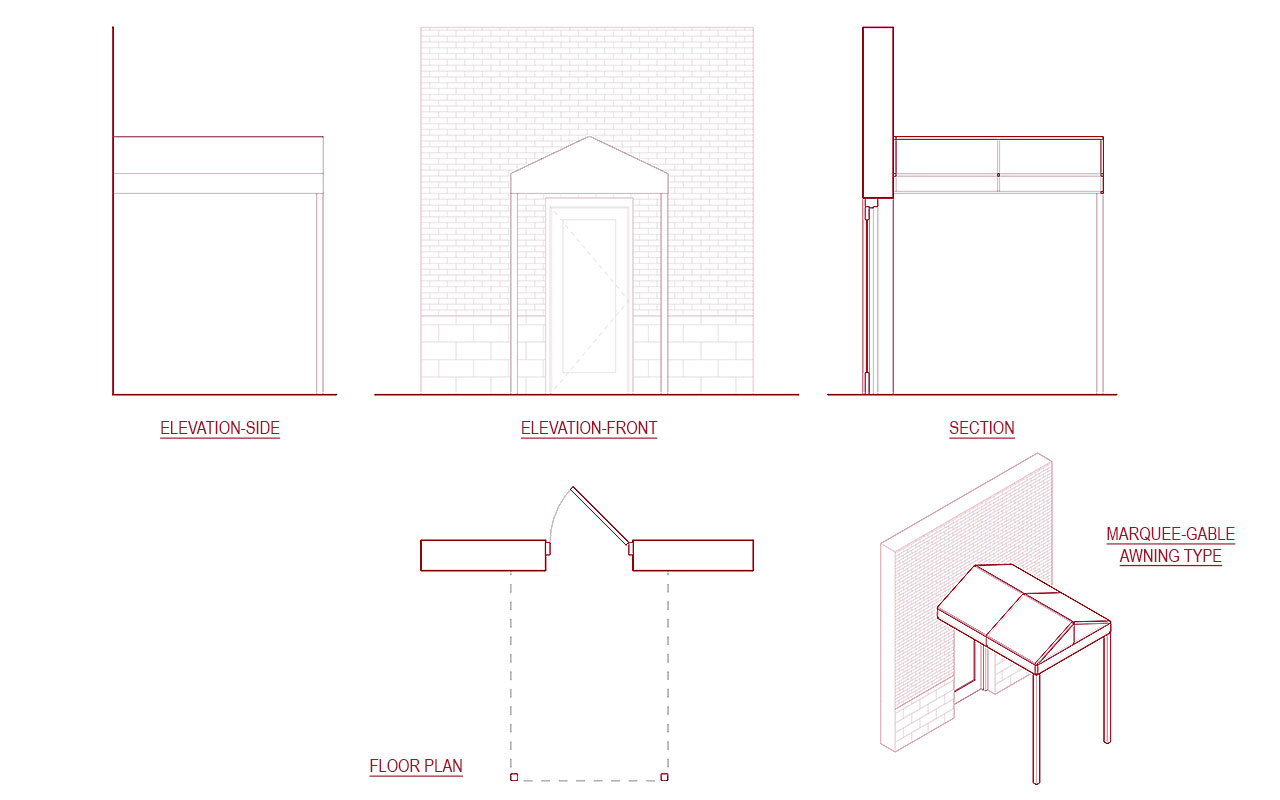

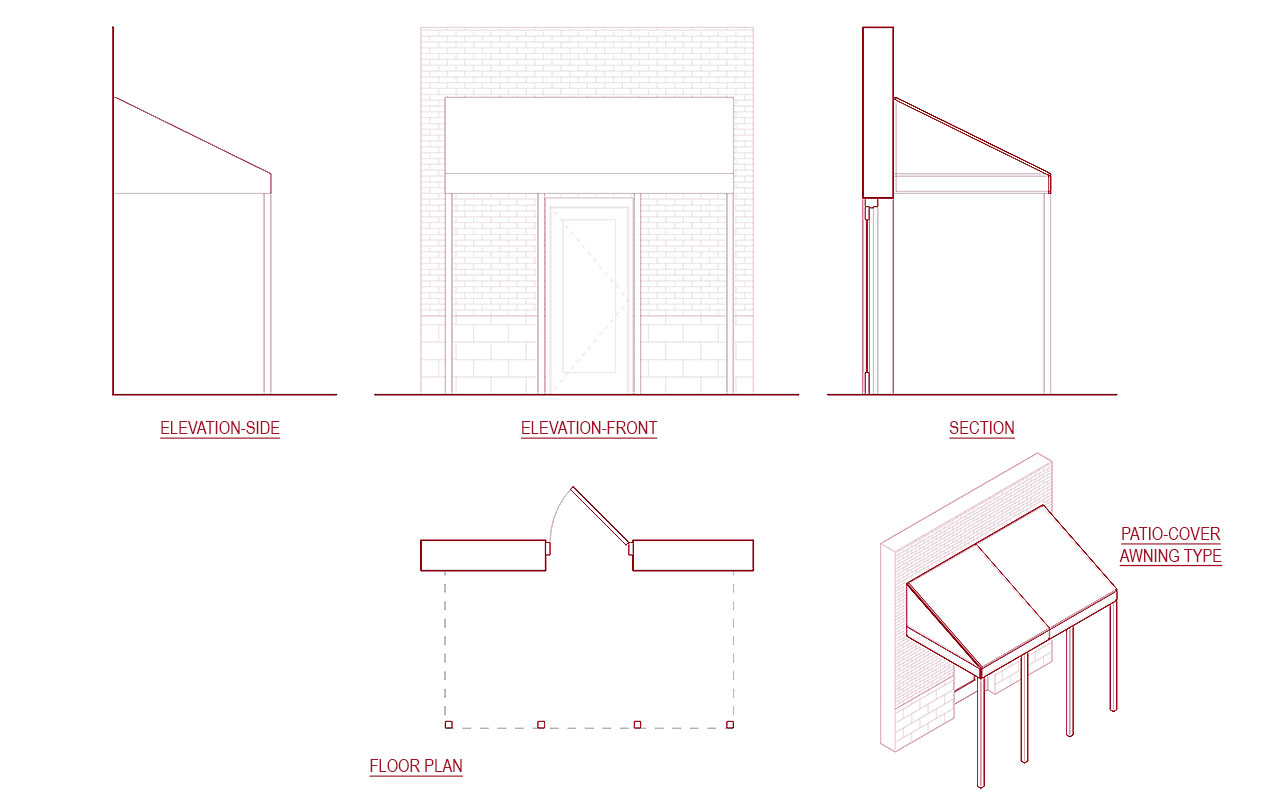
These Parametric Fabric Awning Collection with Framing can create all the different versions you will need for your next project. Consistent graphics all across the views!
Family Parameters:
- Adjust awning overall depth, height, length and valance height
- Adjust intermidiate framing & column count
- Show/Hide Valance, left/right awning sides
- Awning & Frame Material
Files included with Purchase:
- EXT – Awning-Concave.rfa
- EXT – Awning-Convex.rfa
- EXT – Awning-Dome Elongated.rfa
- EXT – Awning-Dome.rfa
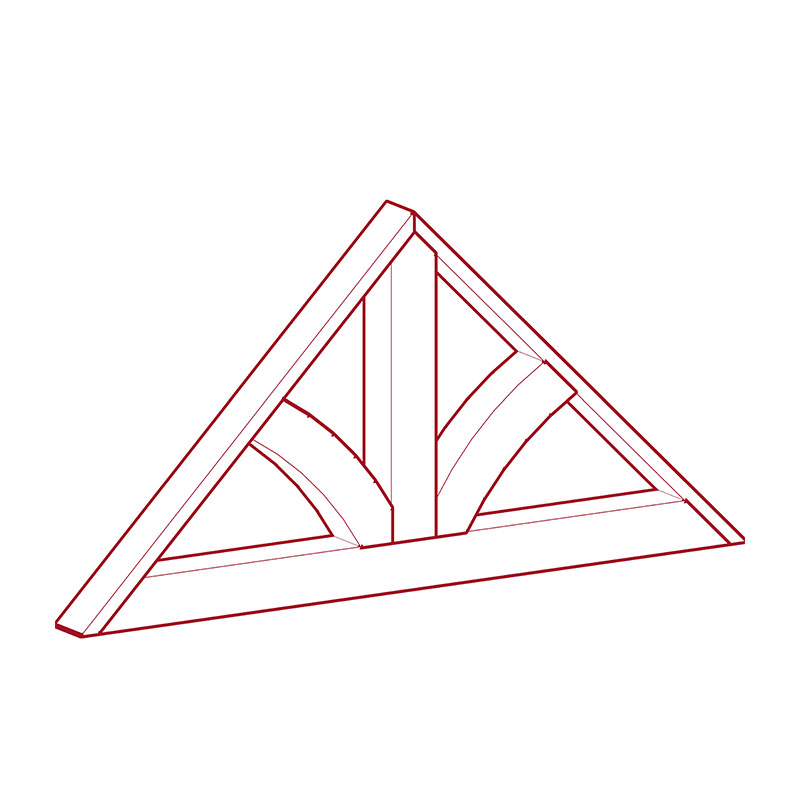
- EXT – Awning-Marquee Gable.rfa
- EXT – Awning-Marquee Round.rfa
- EXT – Awning-Patio Canopy.rfa
- EXT – Awning-Traditional-Round Nose.rfa
- EXT – Awning-Traditional-Triangle.rfa
- Sample Revit Project-RVT25.rvt
Family Features:
- 100% Parametric: Ready-to-use fully parametric smart line-based family built inside the Revit family environment.
- Full Customization: Single Family creates all different listed types & more.
- Ease of Use: Easily create your own version in a flash with logically created Instance/Type parameters within the family.
- Managed BIM: Swap 2D Annotations, 3D fixture models, or materials anytime to add your own version with the in-built Nested Families.
- Consistent around Views: Consistent graphics across the plan, elevation, sections, and 3D
- Consistent around Phases: Use the same family from preliminary through the construction documentation
- Integrate Everywhere: Easily integrates into office-wide Revit Standards, templates, custom-built families, and applications.
Version Log:
Version 1 –
- Fabric Awning Family Creation
Reviews
There are no reviews yet.